
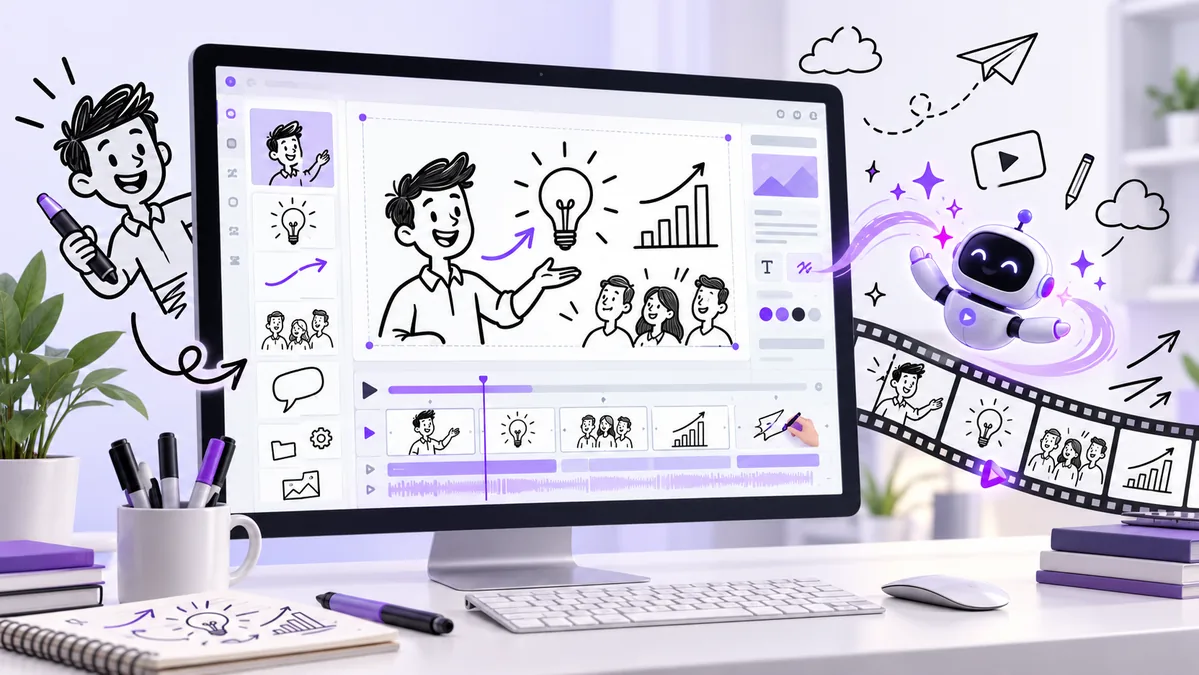
If you create tutorials, ads, lessons, or social-media explainers, whiteboard animation can make complex ideas easier to follow. InstaDoodle promises to reduce the time and technical skill normally needed by combining an editor, a doodle library, AI image generation, voiceovers, and cloud rendering in one platform.

This InstaDoodle review examines what the software includes, current pricing, realistic advantages, limitations, refund terms, and who should—or should not—consider buying it.
What is InstaDoodle?
InstaDoodle is browser-based whiteboard animation software. Because it runs in the cloud, there is no desktop program to install. The seller says it works on modern browsers across Windows, Mac, and other devices.
The main workflow is simple: describe or select an idea, build scenes with characters and props, add animation or audio, and export the finished video. The platform is aimed at people who want an illustrated explainer style without drawing every asset or learning a complicated video editor.
How does InstaDoodle work?
- Start a project: choose a blank canvas or a ready-made template.
- Build each scene: add library assets, upload an image, or generate a doodle from a text prompt.
- Customize the presentation: arrange objects, add text, choose drawing hands, and apply transitions or reveal effects.
- Add audio: upload narration and music or use the AI voice tools included with the applicable plan.
- Preview and export: review scene timing, correct AI-generated elements, and render the completed video in the supported resolution.
This is a simplified workflow based on the seller’s current feature descriptions. Actual render time and editing effort will depend on project length, asset complexity, and the plan used.
What features does InstaDoodle include?
- DoodleAI engine: generates doodle-style characters, objects, and backgrounds from text prompts.
- Drag-and-drop editor: arranges scenes, assets, text, and transitions visually.
- Built-in asset library: the Standard plan advertises more than 1,000 doodle elements; higher plans add more assets.
- Image-to-sketch: converts uploaded photos or logos into a drawn style.
- Voiceover and music: lets users add narration and background audio, with more AI-audio tools on the Agency tier.
- Multiple aspect ratios: supports horizontal, vertical, portrait, and square formats for different platforms.
- Cloud rendering: projects are stored and processed online rather than tied to one computer.

How much does InstaDoodle cost?
Pricing should be checked carefully because older promotional material may show a different offer. At the time of this review, the current public sales page displays these monthly plans:
| Plan | Listed price | Best suited to |
|---|---|---|
| Standard | $47/month | Solo creators starting with 1080p videos |
| Pro | $67/month | Creators needing commercial rights, 2K/4K export, and more assets |
| Agency | $127/month | Teams and client work needing the broadest AI toolkit |
Important: the partner page still describes an older $37 front-end and optional upsells. That does not match the current public pricing page. Always confirm the exact amount, billing frequency, and included features on the checkout page before paying.
Check Current InstaDoodle Price & Features
InstaDoodle pros
- Beginner-friendly concept: the scene-based workflow is easier to understand than a full professional animation suite.
- Useful all-in-one setup: AI generation, stock doodles, editing, voiceover, and rendering live in one browser app.
- Good format for explanation: whiteboard videos can work well for lessons, onboarding, product walkthroughs, and simple marketing messages.
- Cross-device access: cloud software avoids operating-system restrictions and manual installs.
- Commercial option available: the Pro plan lists a commercial license for creators producing paid client work.
- Refund window: the seller advertises a 60-day money-back guarantee.
InstaDoodle cons and limitations
- Recurring cost: current pricing is monthly, so the long-term cost matters more than an introductory headline.
- No free trial: the official FAQ says there is no free version or trial, although a limited live demo is available.
- AI output still needs review: generated characters, hands, text, timing, and scene consistency may require manual corrections.
- Whiteboard style is not universal: it can feel repetitive or informal for brands that need cinematic, photographic, or premium motion-graphics content.
- Plan differences are important: commercial licensing, higher-resolution export, extra assets, and advanced AI features are not all included in Standard.
- Marketing claims are seller-provided: testimonials and performance examples are not a guarantee that your videos will increase engagement or sales.
What are customers saying?
Independent feedback is mixed but generally positive. At the time checked, InstaDoodle’s Trustpilot profile displayed a 3.9/5 TrustScore. Positive reviews frequently mention an easy learning curve, tutorials, and responsive support. Critical reviews commonly mention upsells, AI-credit costs, slower performance on larger projects, and the need to regenerate or manually correct some AI images.
One practical limitation mentioned by users is reduced control when several assets need to appear at the same time. Longer or more detailed projects may also need to be split into smaller sections. These are user-reported experiences, not findings from our own hands-on test. Read a range of recent feedback on Trustpilot before deciding.
Who is InstaDoodle best for?
InstaDoodle makes the most sense for educators, YouTube creators, course makers, affiliate marketers, small-business owners, and freelancers who regularly need simple explainer content. It may also help agencies that already have clients requesting whiteboard-style videos and can justify the monthly expense.
It is less suitable for occasional users who only need one video, experienced animators who want precise timeline control, or businesses whose visual identity depends on realistic footage and custom motion graphics.
InstaDoodle vs popular alternatives
The right choice depends more on the type of videos you need than on the longest feature list.
| Tool | Best known for | Consider if |
|---|---|---|
| InstaDoodle | AI-assisted doodle generation and a browser workflow | You primarily want whiteboard explainers with prompt-based asset creation |
| Doodly | Established drag-and-drop whiteboard production | You prefer a mature asset-based workflow and do not need AI to be the focus |
| VideoScribe | Traditional hand-drawn explainer videos | You want a well-known specialist tool and are willing to compare its subscription terms |
| Animaker | Multiple animation styles beyond whiteboard videos | Your projects need characters, infographics, or broader animation formats |
Plan names, prices, and features can change. Compare current official plan pages before purchasing any tool.
Can InstaDoodle help you make money?
It is better to view InstaDoodle as a production tool, not an income opportunity. A tool can reduce production time, but income still depends on a useful offer, audience research, distribution, pricing, client acquisition, and the quality of the finished work. No software can guarantee views, leads, clients, or revenue.
For freelancers, the clearest business case is practical: compare the subscription cost with the time saved and the amount you can reasonably charge for client projects. For content creators, compare it with the cost of your current animation, voiceover, and asset tools.
Refund policy and buying checklist
The official sales page states that purchases are covered by a 60-day money-back guarantee. Before buying, take a screenshot or save a copy of the checkout terms and confirm:
- whether the price is monthly, annual, or a one-time payment;
- which plan includes commercial-use rights;
- the number of AI credits and whether unused credits roll over;
- export resolution and watermark rules;
- how cancellation and refund requests are submitted;
- whether any add-ons or upsells are optional.
Frequently asked questions
Is InstaDoodle a one-time payment or subscription?
The current public sales page lists Standard, Pro, and Agency as monthly plans. Some older affiliate materials advertise a one-time front-end offer, so verify the exact billing terms shown at checkout.
Does InstaDoodle offer a free trial?
The official FAQ says there is no free version or trial. The seller instead advertises a 60-day money-back guarantee and provides an interactive demo on the sales page.
Can InstaDoodle create vertical videos?
The current official feature list advertises multiple aspect ratios, including horizontal, vertical, portrait, and square formats. Confirm that your selected plan supports the export format you need.
Does the Standard plan include commercial rights?
The current pricing page specifically lists a commercial license under Pro. Anyone producing paid client work should confirm licensing terms before relying on Standard.
Are AI credits unlimited?
Standard currently advertises 150 AI credits, while the Agency plan advertises unlimited AI credits. Credit allowances can change, so check whether credits refresh and what additional usage costs.
Is InstaDoodle suitable for professional animation?
It is designed mainly for accessible whiteboard and explainer videos. Professional animators who need detailed keyframing, advanced compositing, or many visual styles may prefer a broader animation suite.
Is InstaDoodle worth it? Final verdict
InstaDoodle is a promising convenience tool for people who specifically want whiteboard and explainer videos. Its strongest advantages are the cloud workflow, AI-assisted asset creation, ready-made doodle library, and beginner-friendly editor. The main cautions are the recurring price, lack of a free trial, differences between plans, and the mismatch between older partner-page pricing and the current public sales page.
If this visual style fits your content and you will use it regularly, the 60-day refund window lowers the risk of testing it. If you only need an occasional video, compare the monthly cost with a freelancer or a simpler editor first.
Visit the Official InstaDoodle Offer
Editorial note: Product features and prices can change. This review uses the current public sales page and ClickBank Marketplace data checked on October 28, 2026. We have not independently tested every feature. Verify the checkout terms before purchase.